TP-Link AC1750 Wi-Fi
Type: Network repeater, Data transfer rate: 1750 Mbit/s, Ethernet LAN data rates: 10,100,1000 Mbit/s
Antenna type: External
Ethernet LAN interface type: Gigabit Ethernet, Cabling technology: 10/100/1000Base-T(X), Networking standards: IEEE 802.11a, IEEE 802.11ac, IEEE 802.11b, IEEE 802.11g, IEEE 802.11n, IEEE 802.3, IEEE 802.3ab,...
Product colour: White, Country of origin: China, Certification: CE, FCC
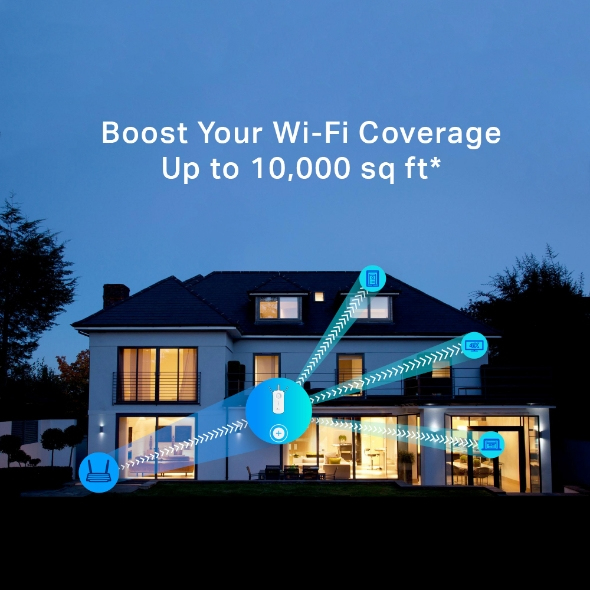
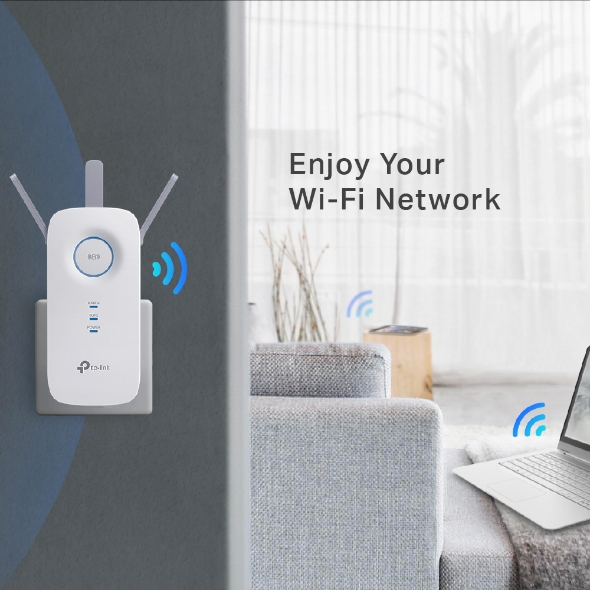
AC input voltage: 100 - 240 V, AC input frequency: 50/60 Hz, Power consumption (max): 10 WEliminate Dead Zones with Powerful Wi-FiAC1750 Mesh Wi-Fi ExtenderStrong Signals in Every CornerIf there’s a room where you can’t connect to the internet in your mid-size or bigger home, RE450 eliminates these dead zones. With three high-performance antennas, your WiFi transmits farther with stronger signals. RE450’s two bands (2.4 Ghz and 5 Ghz) also enable more reliable device connections.Flexibly Create Whole Home Mesh WiFiIf you have any dead zones at home, just add another EasyMesh-compatible router/range extender to further form your whole home multi-gigabit mesh WiFi. No more searching for a stable connection.Quality Connections for Quality ExperiencesFor more coverage in other areas of your home, simply plug in RE450 for fast and stable WiFi. Equipped with 3 chipsets, RE450 provides high-speed data flow to your phone and laptop. TP-Link’s Beamforming tech ensures the high-quality signal is sent directly to your end devices, bringing your WiFi strength to a new level.Lightning-Fast SpeedsWhether you’re binging your favorite show at the highest settings or having a meeting with your entire department, RE450’s 6-stream dual-band WiFi provides speeds up to 1.75 Gbps. With two bands, connect more devices with MU-MIMO tech letting your whole family enjoy the same strength and speed at the same time.Reliable Gigabit ConnectionSometimes wireless just doesn’t cut it. RE 450’s Gigabit Ethernet port supports data transmissions up to 1,000 Mbps, which is 10× faster than a fast Ethernet port (100 Mbps). This lets you enjoy peak performance for wired devices that need a constant stream of Gigabit internet.Easy Installation & Quick PositionEasy Installation with RE ButtonThe extender RE450 works with any standard wireless router. Instantly connect the RE450 to a router by pressing the extender’s RE button followed by the router’s WPS button (if available).Once connected with an existing router, you can take RE450 anywhere within the wireless range of the existing router, no more further configurations.Smart Signal IndicatorFind the best spot to extend your WiFi with just a glance.Control at Your FingertipsSet up and manage your WiFi through the TP-Link Tether app from your phone (Android, iOS), including TP-Link routers and range extenders.
 14 dages returret
 1-2 dages levering
 17 fysiske butikker
 Fragt 29,-










 Leveringstid: 1-2 dage